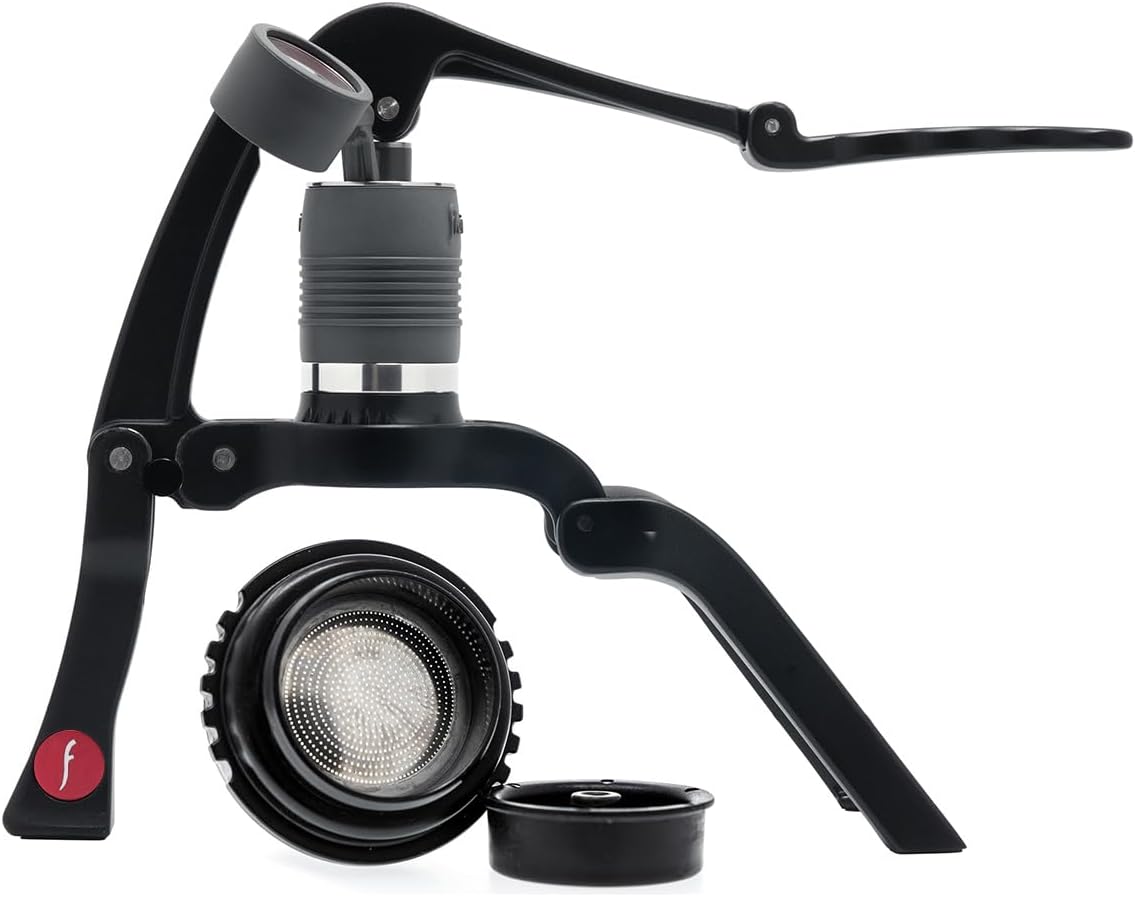
The Wacaco Picopresso for office desk espresso at work is the cleanest answer to a problem most cubicle-dwellers know too well: the building coffee tastes like cardboard, the nearest specialty cafe is a fifteen-minute walk, and you have a 2:00 stand-up that demands real caffeine. This palm-sized, hand-pumped espresso maker pulls a true 9-bar shot using nothing but hot water and an 18-gram dose of ground coffee — no electricity, no countertop footprint, and no side-eye from co-workers wondering why the breakroom smells like a pour-over kiosk. In 2026, it remains the most realistic way to get cafe-grade espresso at your desk.
Below I unpack why the Picopresso wins the office scenario, how to set up a clean brewing kit that fits in a drawer, where it falls short, and which countertop machines are worth considering if you actually have shared kitchen space and want a backup brewer instead of a personal one.
Why the Picopresso is the right tool for desk espresso
Wacaco built the Picopresso around one idea: deliver a real double-shot — 18 grams in, ~40 grams out, around 25 to 30 seconds — from a device small enough to live in a tote bag. It uses a bottomless 49 mm portafilter basket, a manual piston pump, and a separate water reservoir that you fill with hot water from a kettle, electric goose-neck, or even an office hot-water tap if the temperature is high enough. There are no electronics to fail, no grinder noise, and no countertop to negotiate with HR.
For office workers, this matters in three concrete ways. First, footprint: the unit is roughly the size of a stout travel mug, so it tucks into a desk drawer beside a notebook. Second, cleanup: the puck pops out into a coffee bin in seconds, and the basket rinses with a paper towel and a splash from your water bottle. Third, etiquette: no pump motor whines, no espresso machine steam wand hisses, and no “whose mug is this” politics around the shared sink.
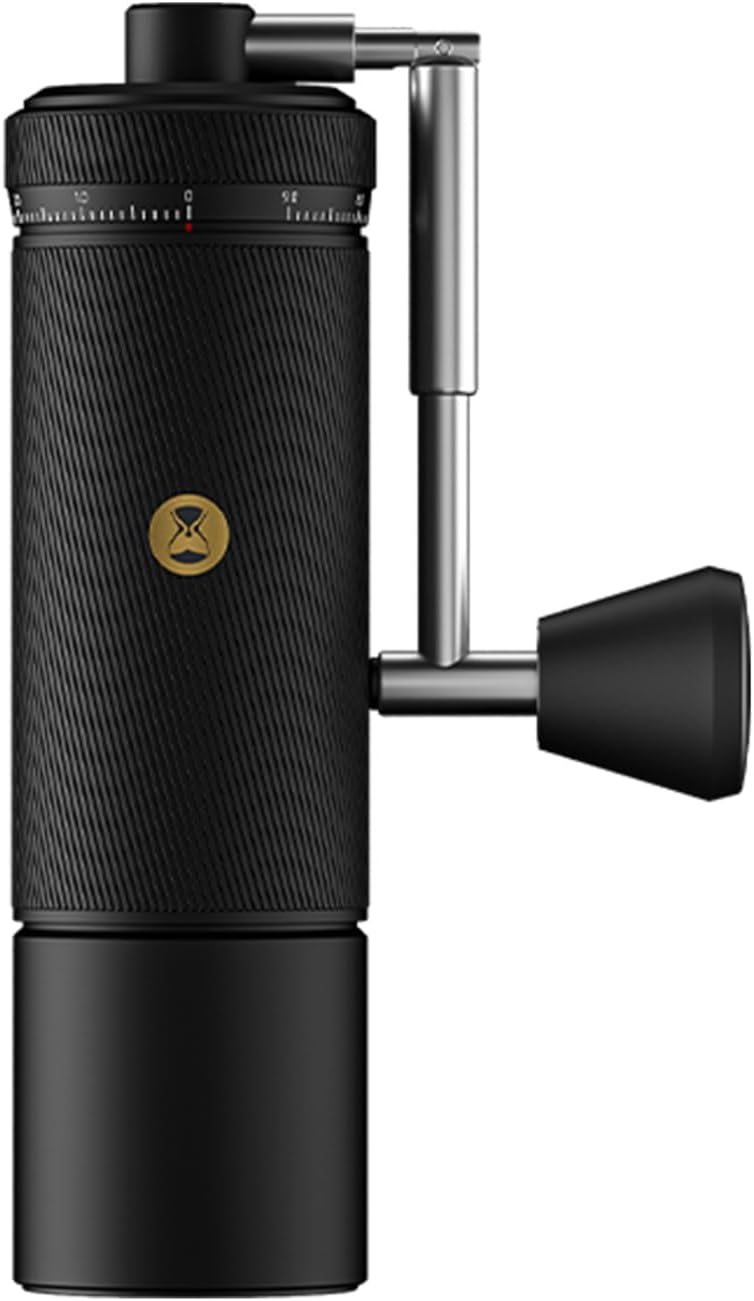
The single non-obvious requirement is grind quality. Espresso needs a fine, even grind — finer than drip, slightly coarser than Turkish — and that means either pre-ground espresso from a roaster who packs in valve bags, or a hand grinder you can keep at your desk. If you want a deeper look at desk-friendly grinders, see our hand grinder guide for office baristas.
How the Wacaco Picopresso for office desk espresso at work actually fits into a workday
The realistic workflow looks like this. You keep a 250 g bag of fresh espresso beans in a desk drawer with a one-way valve sealed, a 1Zpresso Q2 or similar hand grinder, your Picopresso, a 16 oz insulated bottle of hot water (or a 600 ml travel kettle if your office allows small appliances), a tamper, and a small cup or shot glass. Total drawer footprint: about the size of a hardcover book stacked on a paperback.
From cold to first sip is roughly three to four minutes. Thirty seconds to grind 18 grams, fifteen seconds to dose and distribute, ten seconds to tamp, thirty seconds to assemble and pre-heat with a flush of hot water, and a minute of pumping to draw the shot. Cleanup is another minute. You walk back from a quick meeting with your shot already cooled to a drinkable temperature.
If your office has a milk fridge and you want milk drinks, pair the Picopresso with a hand-pump milk frother or a small battery whisk. You will not get latte-art-grade microfoam, but you will get respectable cortados and flat whites.
Picopresso vs. small countertop machines: when each one wins
Some readers landing here have a private office, a home office, or a tolerant team and a corner of shared kitchen counter. In that case a small countertop machine may be worth the trade. The table below compares the Picopresso against the three desktop machines that are realistically office-deployable, plus two larger units worth knowing about for context.
| Machine | Footprint | Power needed | Noise level | Best for |
|---|---|---|---|---|
| Wacaco Picopresso | Drawer-size | None | Silent | Cubicle, hot-desk, travel |
| XIXUBX 20 Bar Compact | Small countertop | 110 V outlet | Moderate pump whir | Private office, small kitchenette |
| atatix 20 Bar w/ Frother | Small countertop | 110 V outlet | Moderate | Solo home office with milk drinks |
| Ninja Luxe Cafe Premier | Medium countertop | 110 V outlet | Moderate, grinder is loud | Home office, espresso + cold brew |
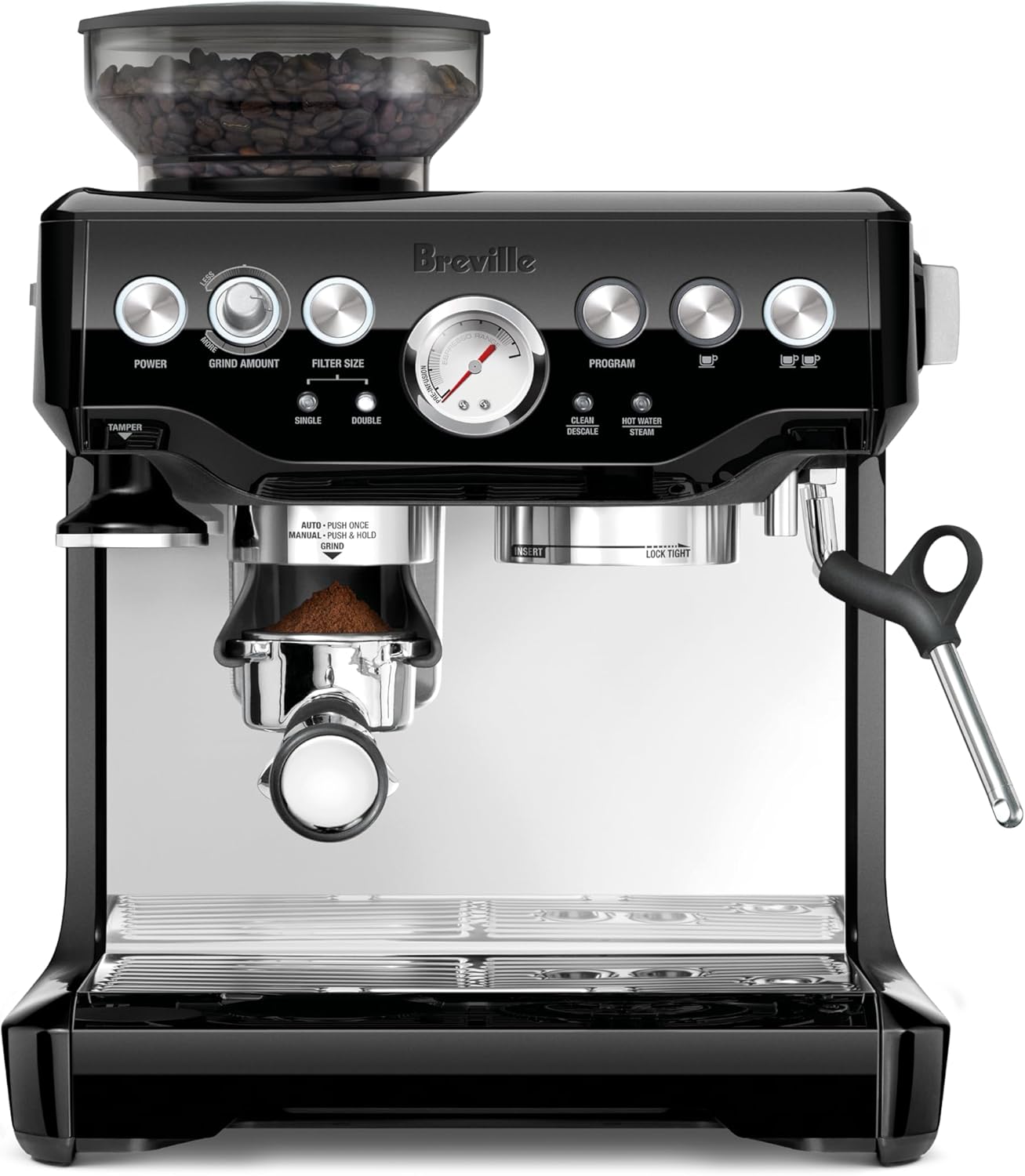
| Breville Barista Express | Large countertop | 110 V outlet | Loud grinder, steam wand hiss | Dedicated home barista setup |
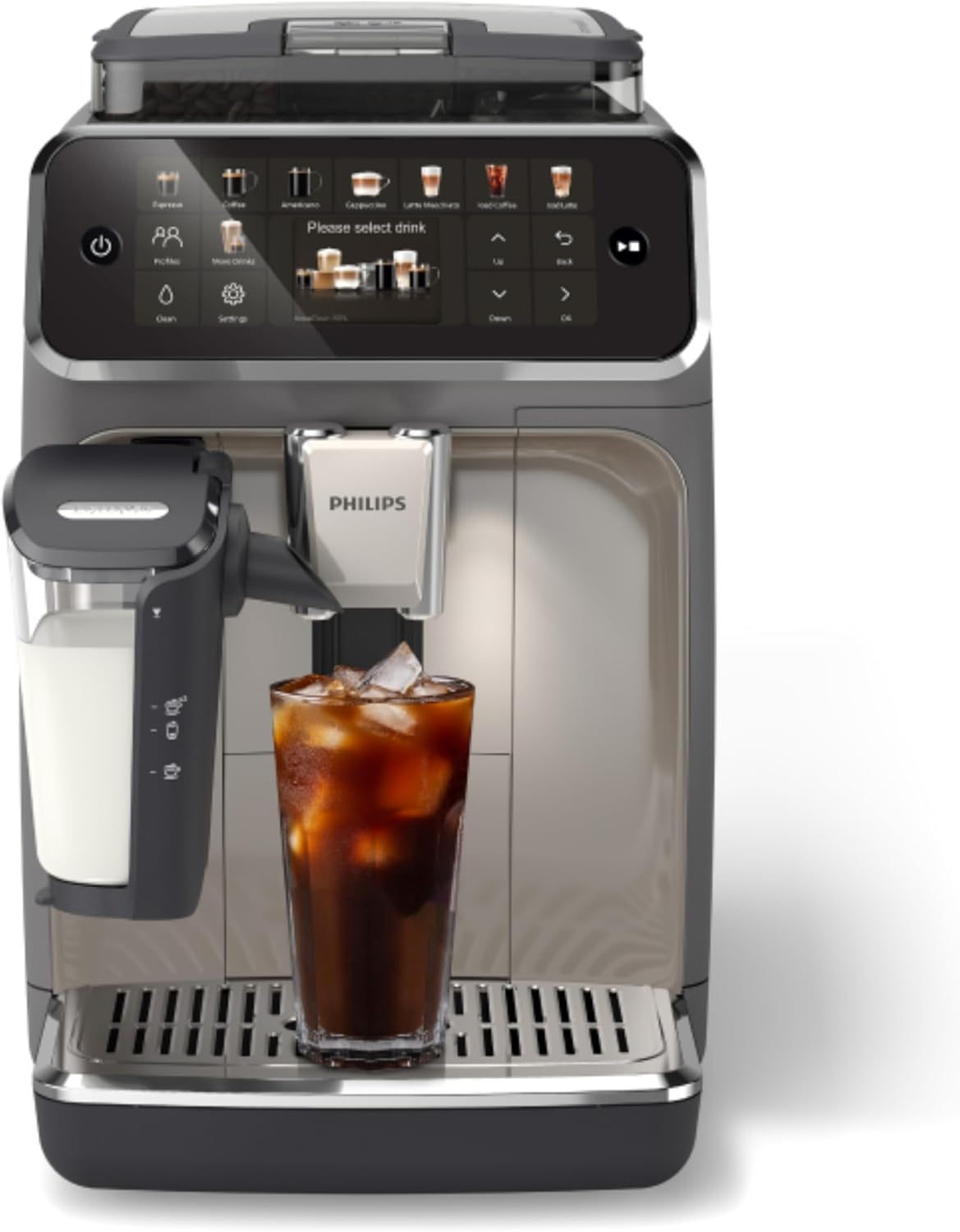
| Philips 4400 Fully Automatic | Large countertop | 110 V outlet | Loud during grind | Shared office breakroom, multi-user |
If your office space is shared and you can’t leave anything plugged in overnight, the Picopresso is the only realistic pick on that list. If you have a private office and want push-button convenience, one of the compact units below is a sensible upgrade. For a deeper feature comparison see our compact espresso machine roundup.
Best companion countertop machines if you have the space
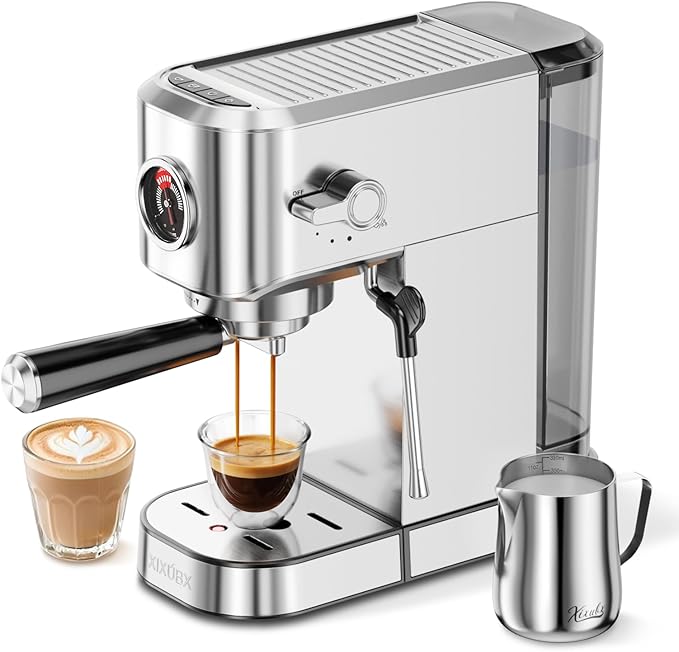
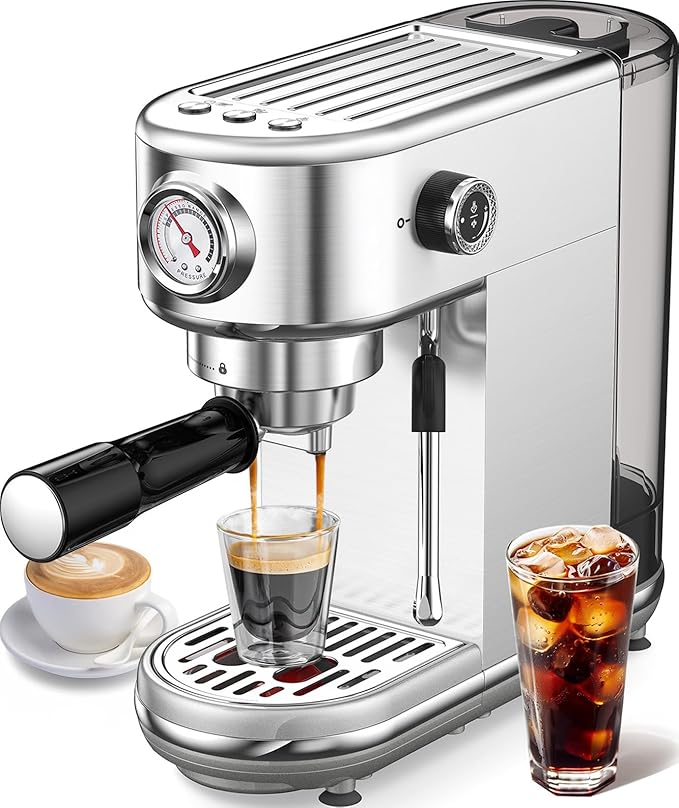
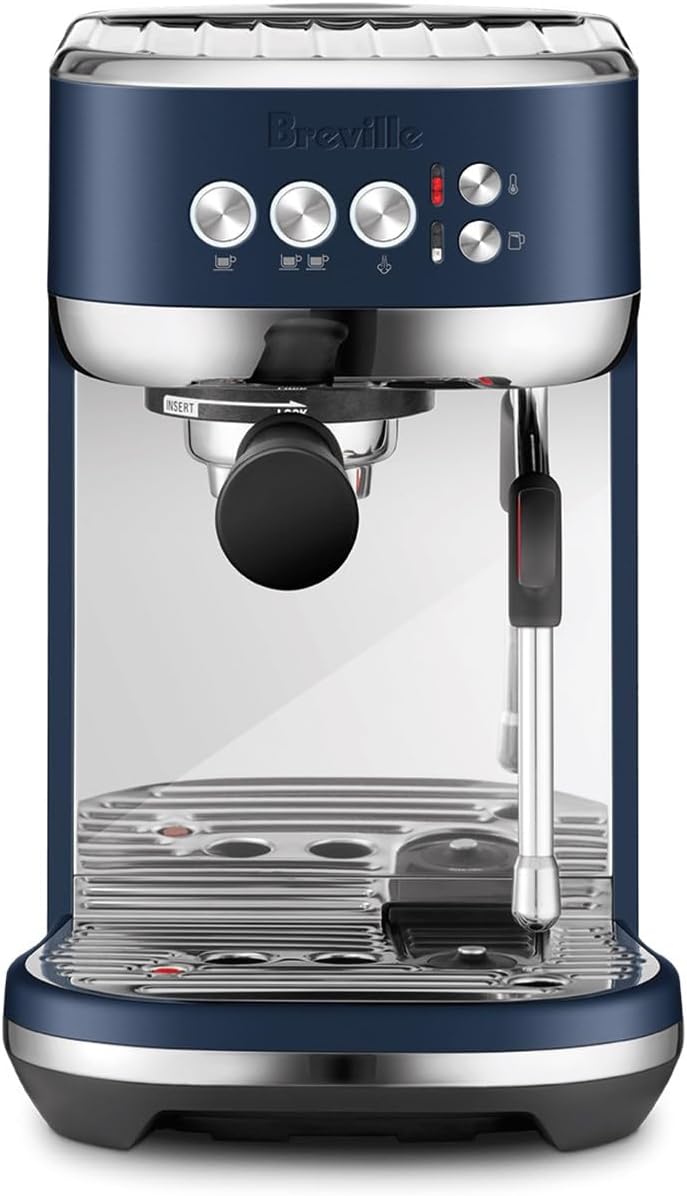
XIXUBX 20 Bar Compact Stainless Steel Espresso Maker
This is the smallest of the plug-in machines on our shortlist, and the one I’d put on a personal-office credenza. Twenty-bar pump pressure is more than needed (espresso wants about nine bars at the puck), but the over-pressure is fine because the portafilter basket regulates extraction. The brushed stainless body wipes down easily, and the single boiler heats fast enough that you’re drinking inside five minutes of plugging in. It is the closest desktop analog to the “quick shot at your desk” ergonomics the Picopresso pioneered. Check the XIXUBX Compact on Amazon.
atatix Espresso Machine with Milk Frother, 20 Bar Pressure
If you want cappuccinos and lattes without buying a separate frother, the atatix bundles a steam-wand-style frother onto a similarly compact pump body. It is the right pick for a home-office worker who does video calls in the morning and wants a milk drink between meetings without trekking to the kitchen. Build quality is consumer-tier rather than prosumer, but for office duty cycles — two to four shots a day — that is the correct tier. Don’t expect latte-art microfoam; do expect serviceable cappuccino foam. See the atatix on Amazon.
Ninja Luxe Cafe Premier 3-in-1 Espresso Machine
The Luxe Cafe is the right answer for the home-office worker who has graduated past “a shot at my desk” and now wants espresso, drip, and cold brew from one appliance. It includes a built-in grinder with assistive dosing, which removes the trickiest variable for new home baristas. The footprint is meaningful — this won’t fit on a tray you slide into a drawer — but for a dedicated coffee corner in a spare bedroom it is a 2026 standout. View the Ninja Luxe Cafe Premier on Amazon.
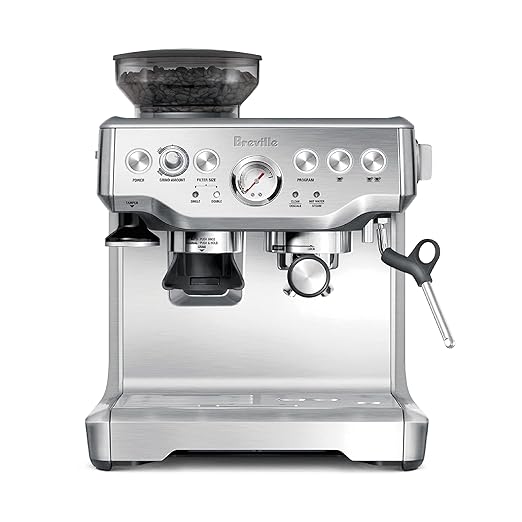
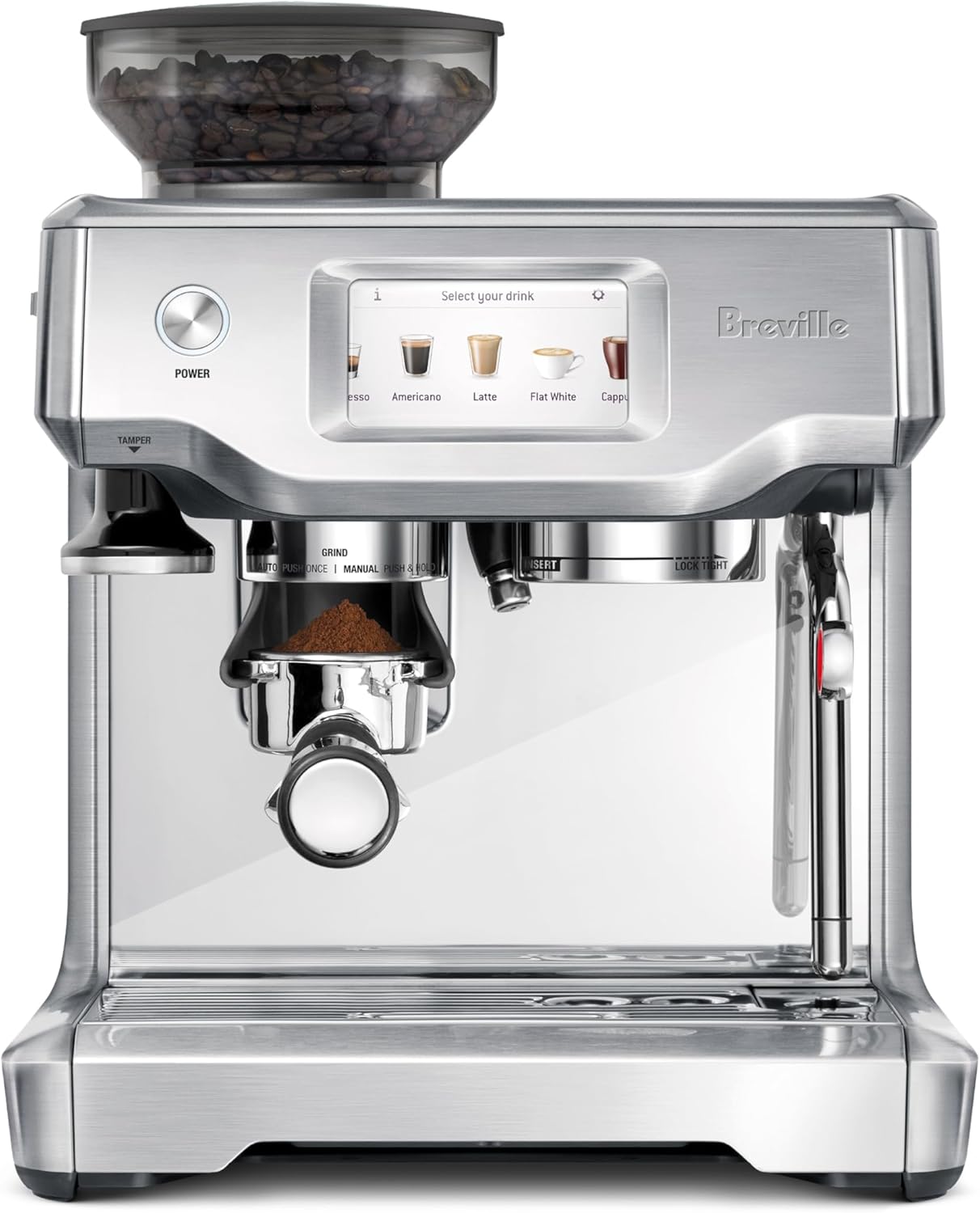
Breville Barista Express BES870XL
The Barista Express remains the default recommendation for anyone who wants to learn real espresso skills at home. It includes a conical-burr grinder, a 54 mm portafilter, and a usable steam wand on a single boiler. As an office machine it is overkill and probably too loud for shared space; as a home-office investment for someone who genuinely wants barista craft, it is still the most well-rounded sub-$800 option in 2026. See the Breville Barista Express on Amazon.
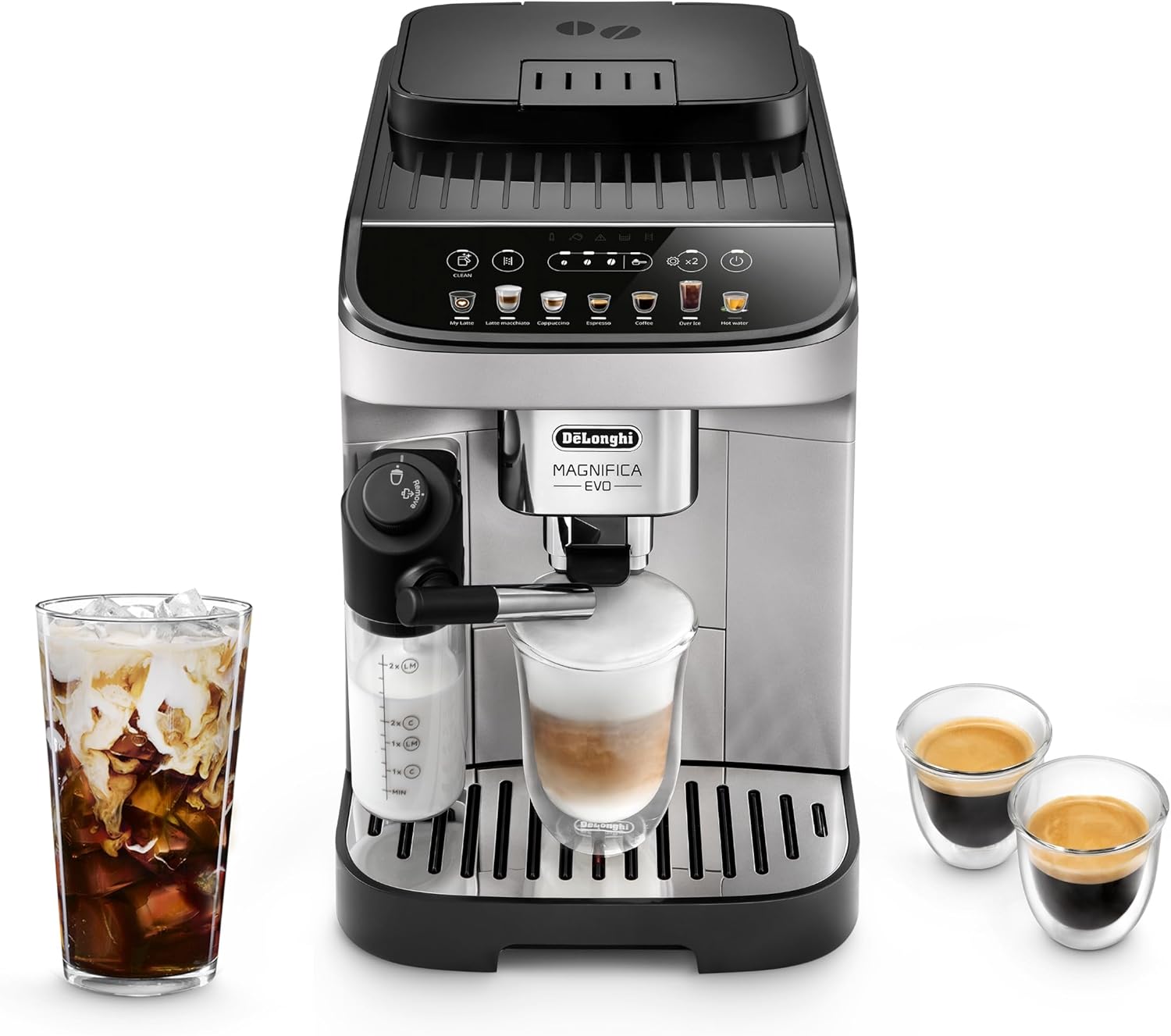
Philips 4400 Series Fully Automatic Espresso Machine
Mention this one for completeness: it is the right machine for a shared office breakroom where ten people want bean-to-cup convenience with no training. Touch a button, get espresso. You sacrifice the craft control a Picopresso or Breville gives you, but for a small team where one machine has to serve everyone, push-button is the correct ergonomic choice. View the Philips 4400 on Amazon.
Tips for pulling great Picopresso shots at your desk
Three things separate a satisfying desk shot from a sour, under-extracted one. First, water temperature: the Picopresso has no boiler, so the water you pour in is the water that hits the puck. Aim for 90 to 94 C (194 to 201 F). An insulated bottle filled from a 96 C kettle ten minutes earlier is usually right.
Second, grind size: too coarse and the pump feels weightless and the shot gushes thin; too fine and you cannot push the piston at all. Start one click finer than your drip setting and adjust by feel. The shot should take 25 to 30 seconds of steady pumping.
Third, distribution: with an 18 g basket, an uneven bed of grounds is the difference between a balanced shot and a channeled one. A small WDT tool — even a straightened paperclip — stirred through the dose before tamping fixes most channeling. For more on dialing in grind size, our espresso grind size guide walks through the visual cues to watch for.
The case against bringing the Picopresso to work
Honest tradeoffs: the Wacaco Picopresso for office desk espresso at work demands roughly a minute of forearm pumping per double shot. If you have wrist or grip issues, an electric machine is kinder. You also need access to genuinely hot water; if your office only has a 70 C dispenser, you will need a travel kettle and possibly a power outlet, which erodes the “no electricity” advantage. And the Picopresso is single-serve by design — brewing for two co-workers means brewing twice.
Frequently Asked Questions
Can I use the Wacaco Picopresso without a hand grinder if my office doesn’t allow appliances?
Yes. Buy pre-ground espresso from a local roaster — ask specifically for an espresso grind — and keep it in a sealed, opaque container at your desk. Pre-ground beans lose aromatics within a week or two, so buy small bags (125 to 250 g) and finish them quickly. The shots will be slightly less vibrant than fresh-ground, but still meaningfully better than drip from the breakroom pot.
How loud is the Picopresso compared to a regular espresso machine?
Effectively silent. The only sounds are the click of the piston engaging and the soft hiss of espresso falling into the cup. Compared to even a quiet pump machine like the XIXUBX or atatix, there is no contest — you can pull a shot during a meeting on mute without anyone noticing.
Do I need a tamper, or can I use the cap that ships with the Picopresso?
The included cap-tamper is functional and most users never upgrade. Once you start dialing in shots for taste, a dedicated 49 mm flat tamper gives a more level puck and noticeably reduces channeling. It is a $15 to $25 upgrade and lives easily in the same desk drawer.
What hot water source works best at an office?
In order of preference: a small 600 ml travel kettle at your desk (if allowed), a 96 C office hot-water tap if one exists, a 500 ml double-wall thermos filled from a kettle ten minutes before brewing, or a microwave-heated mug. Microwaving water is the least ideal because temperature is unpredictable, but it works in a pinch.
How many shots can I get before I have to clean the Picopresso?
Between shots a quick puck knock plus a paper-towel wipe of the basket is enough. A full rinse with clean water belongs at the end of the day. Once a week, a soak in espresso machine cleaner (Cafiza or similar) keeps the basket pores from clogging and preserves shot flow over years.
Will I be able to make a latte at my desk with just the Picopresso?
You will get a flat white or a cortado more easily than a latte, because the Picopresso pulls a strong, concentrated shot that holds up to a small amount of warmed milk. For full lattes, a battery-powered handheld frother and a microwave-warmed milk pitcher gets you close. True steam-wand microfoam requires one of the countertop machines above.
Is the Picopresso worth it compared to a Nespresso pod machine at the office?
If you measure by speed and zero-effort consistency, Nespresso wins. If you measure by shot quality, freshness, cost per cup, and the satisfaction of brewing rather than dispensing, the Picopresso wins. Pods average around $0.80 to $1.20 each; fresh-ground espresso from a quality bean averages $0.30 to $0.50 per double shot. Over a year of weekday shots, the Picopresso pays for itself two or three times over.
Key Takeaways
- Choosing the right Wacaco Picopresso for office desk espresso at work means matching capacity and output ports to your actual devices
- Always check actual watt-hours (Wh), not just watts — runtime depends on Wh, not peak output
- Also covers: Wacaco Picopresso desk review office
- Also covers: Picopresso cubicle espresso setup
- Also covers: Wacaco Picopresso break room espresso
- Compare price-per-Wh across models to find the best value for your budget